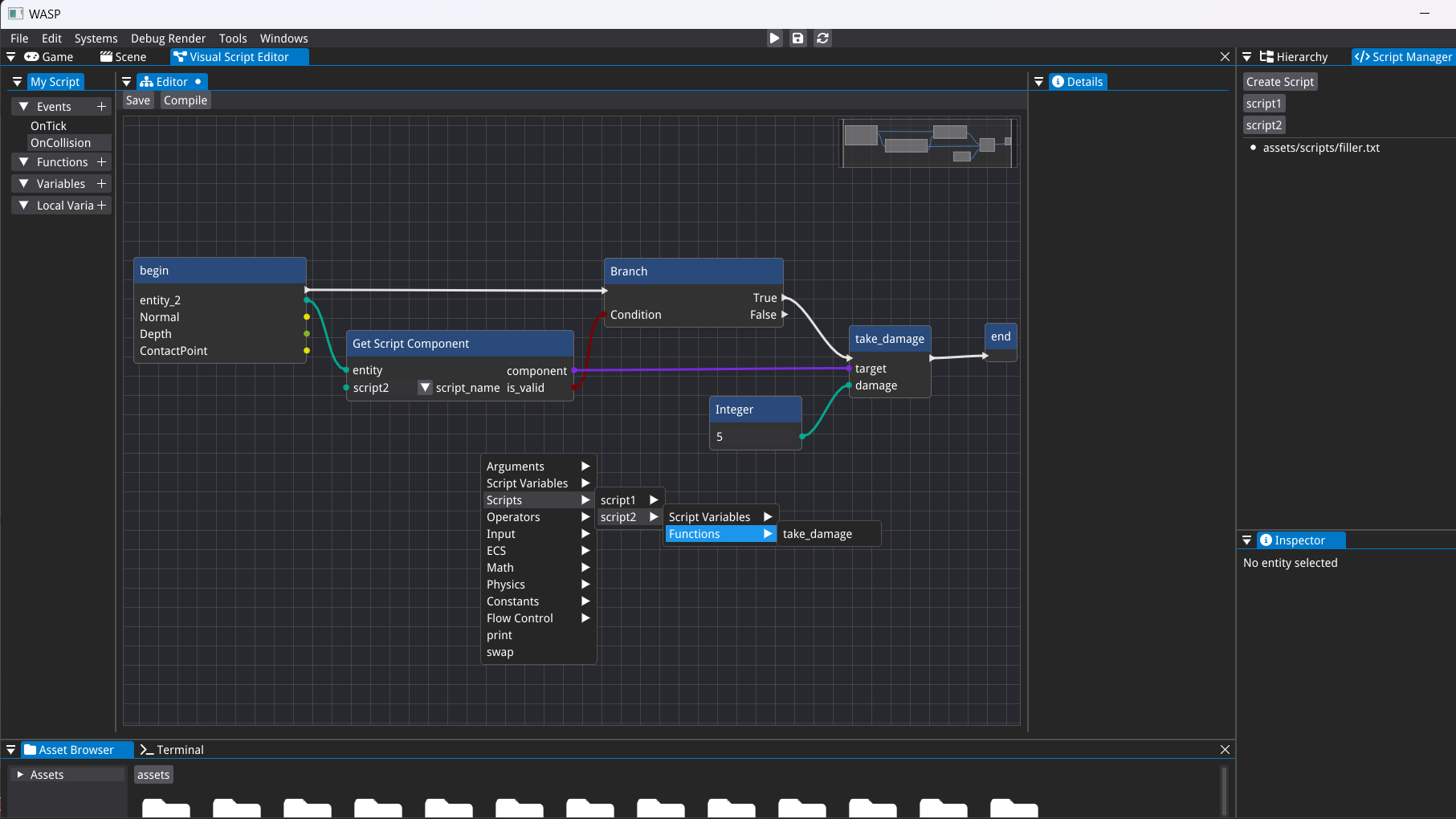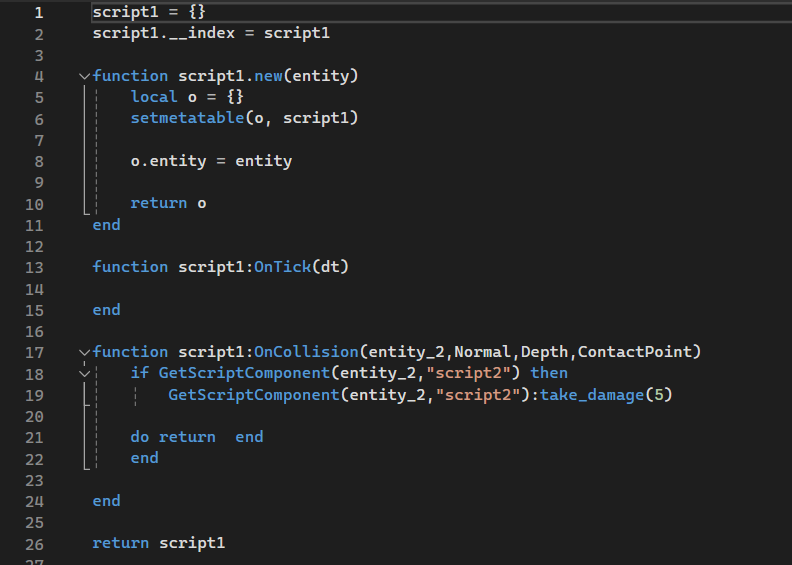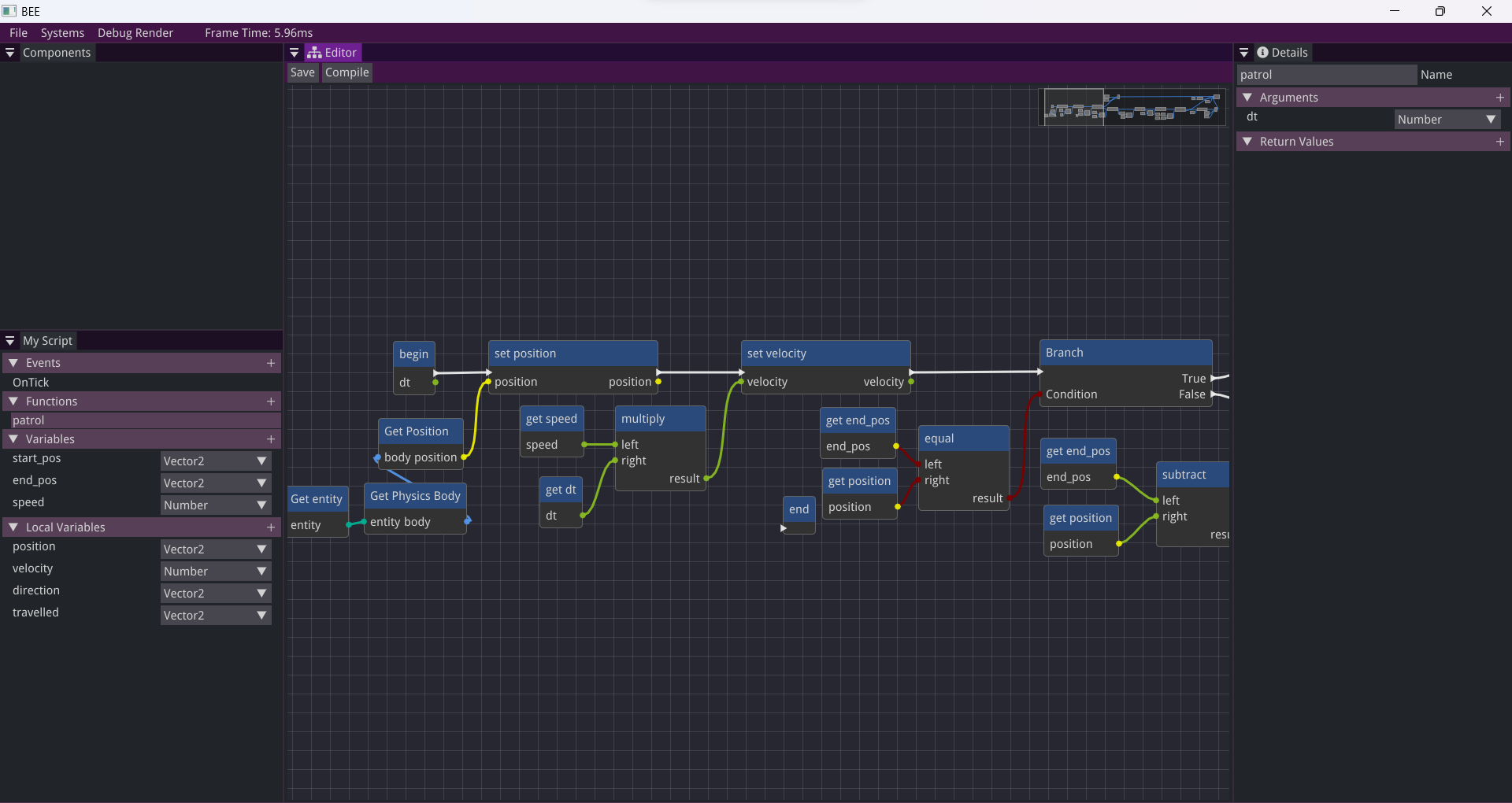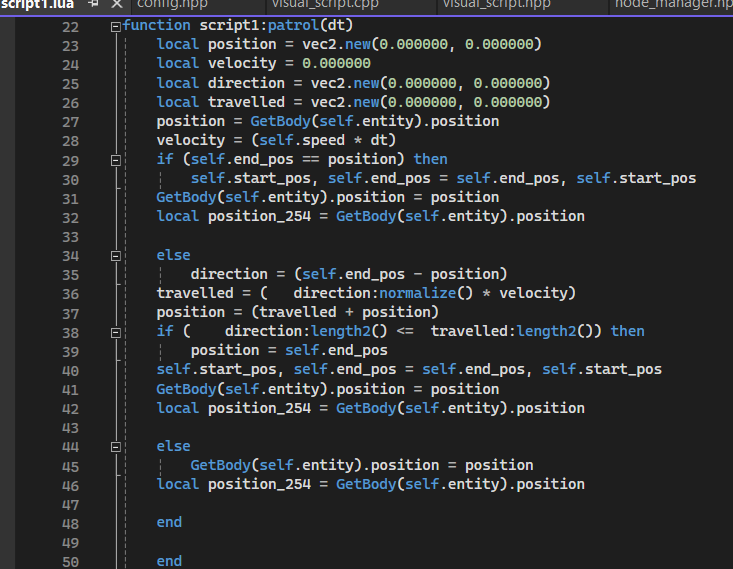
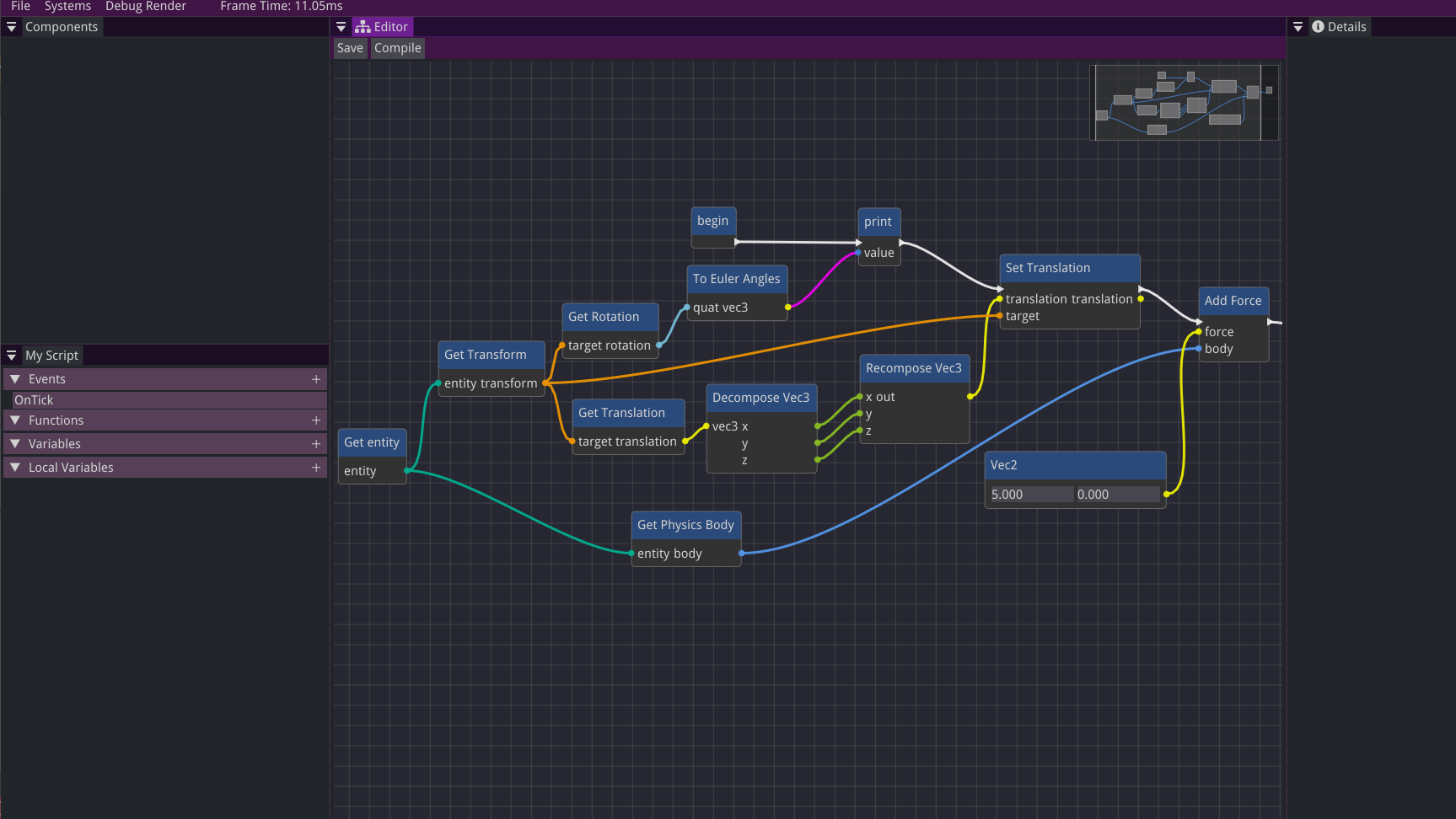
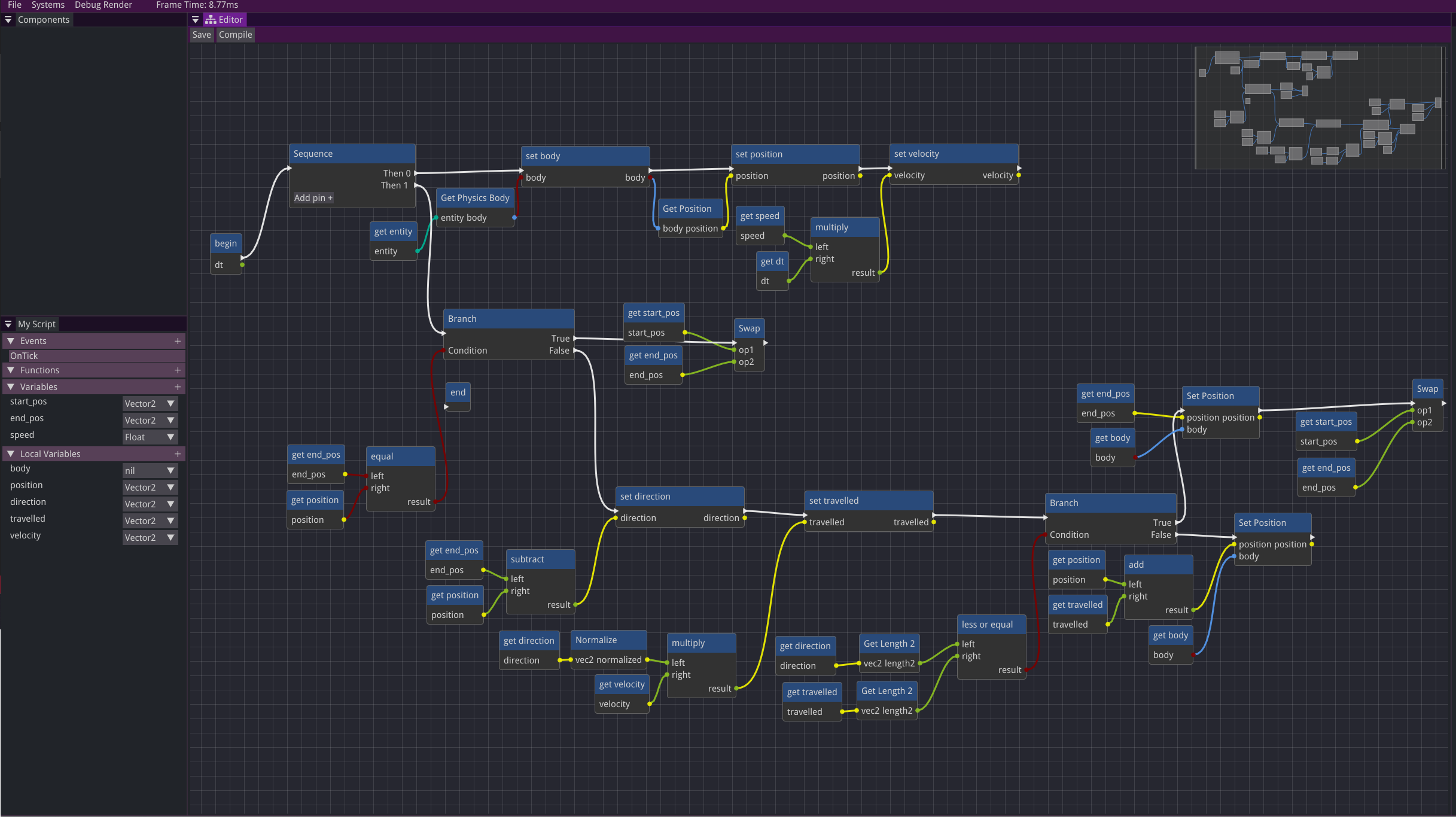
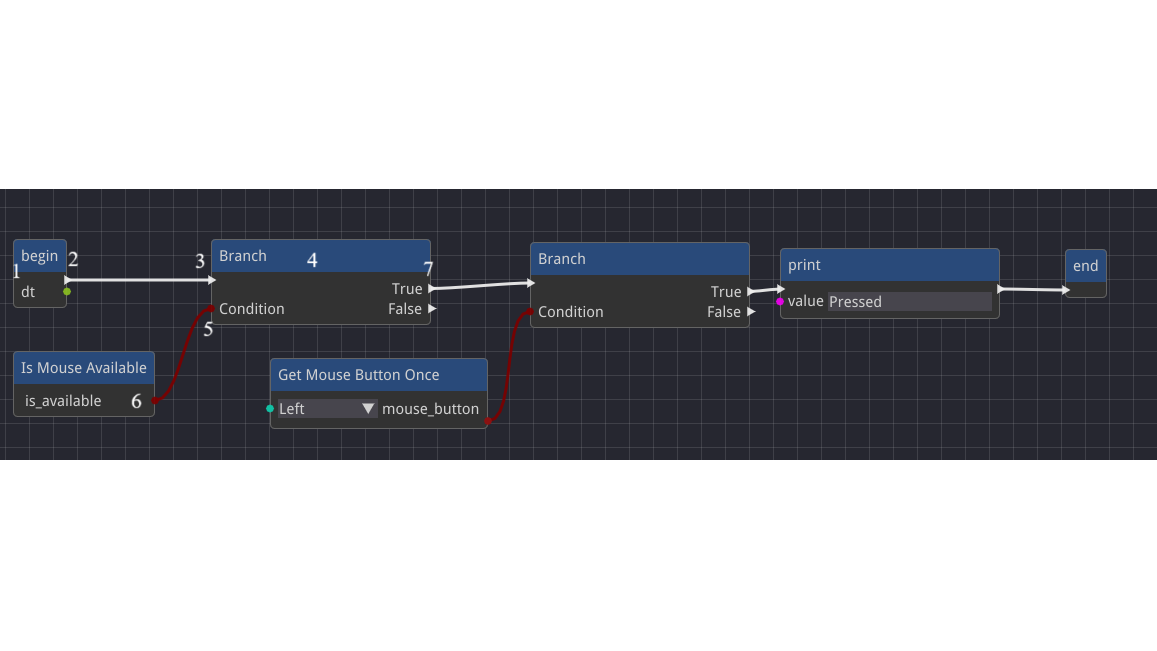
A tool that allows users to create visual scripts through a node-based graph, which is then automatically converted into Lua scripts. Made for the BEE custom engine.
Project Overview
Visual scripting or visual programming is a form of programming that lets the user create programs by using graphical elements instead of writing traditional code. This makes it easier to use by non-programmers, as they don’t have to learn a specific language, and allows for faster prototyping by designers.
I developed a tool that allows users to create visual scripts through a node-based graph, which is then automatically converted into Lua scripts.
The Challenge
My goal was to create a tool that would enable designers to quickly and easily write custom behaviors, allowing for fast iteration. The tool needed to integrate seamlessly with the existing engine. To facilitate interaction between game objects, the scripts had to support various events and provide access to variables and functions from other scripts, ensuring effective communication across the system.
The Solution
After researching the topic, I chose Lua for its fast execution speed. When the user presses the "Compile" button, the node graph is converted into a Lua script, which is then compiled. This approach ensures that the graph is processed only once while in-editor, with the precompiled scripts being used during runtime.
The engine was using an Entity Component System (ECS) which made implementing Unity's ECS approach more straightforward than Unreal's Blueprints. As a result, I designed the system so that scripts could be attached to objects as components, enabling rapid iteration. Users can edit and reload scripts at runtime, streamlining the development process.
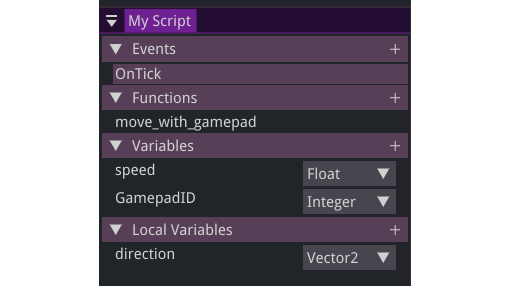
The user can define functions with arguments and return values of different types, implement events, declare variables of different types, and for optimization reasons declare local variables for each function and event in the script.
I added nodes for interacting with the ECS for getting, adding, and removing components, as well as checking if an entity has a specific script. If it does, functions and variables from that script can be accessed.