

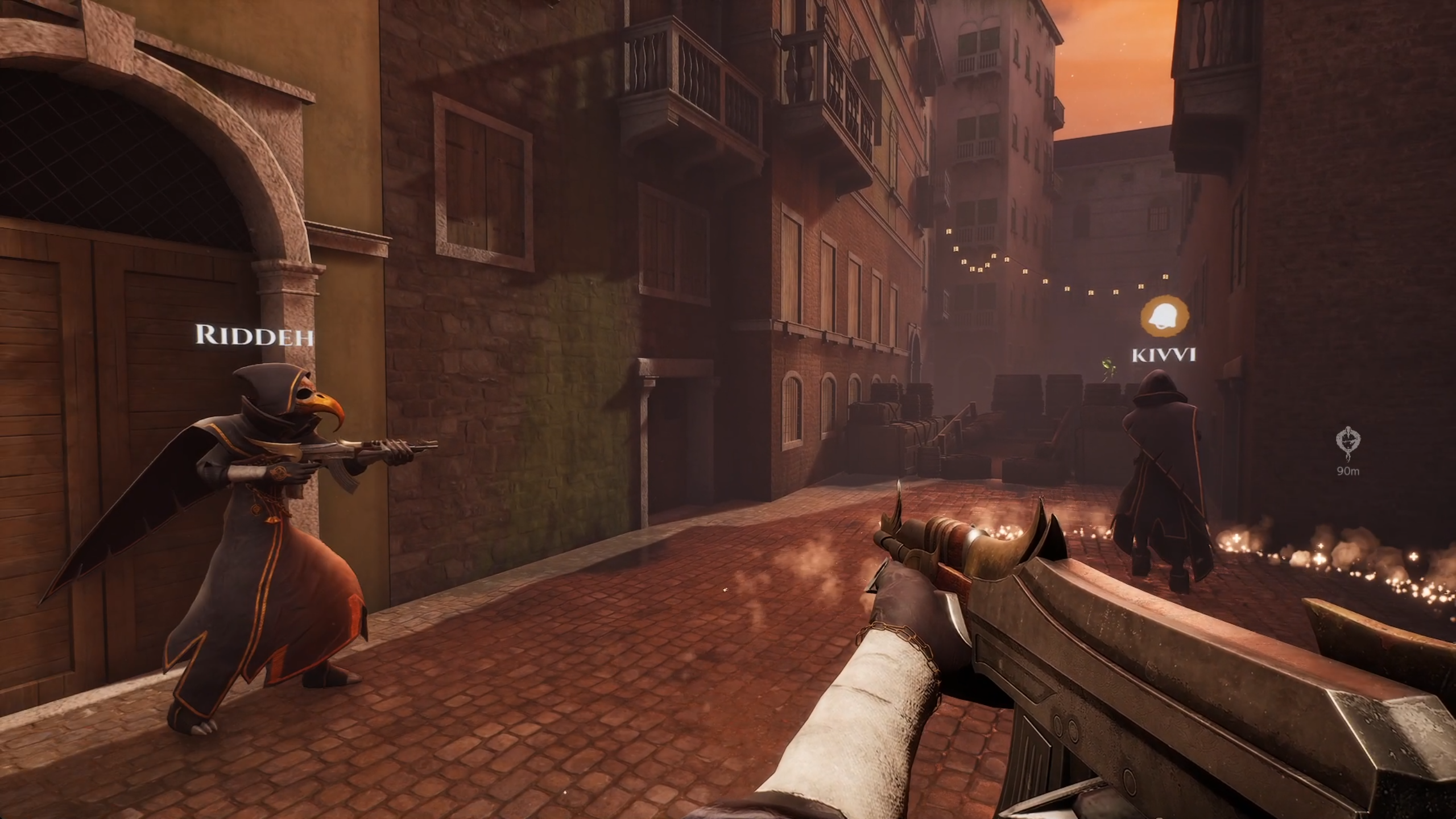
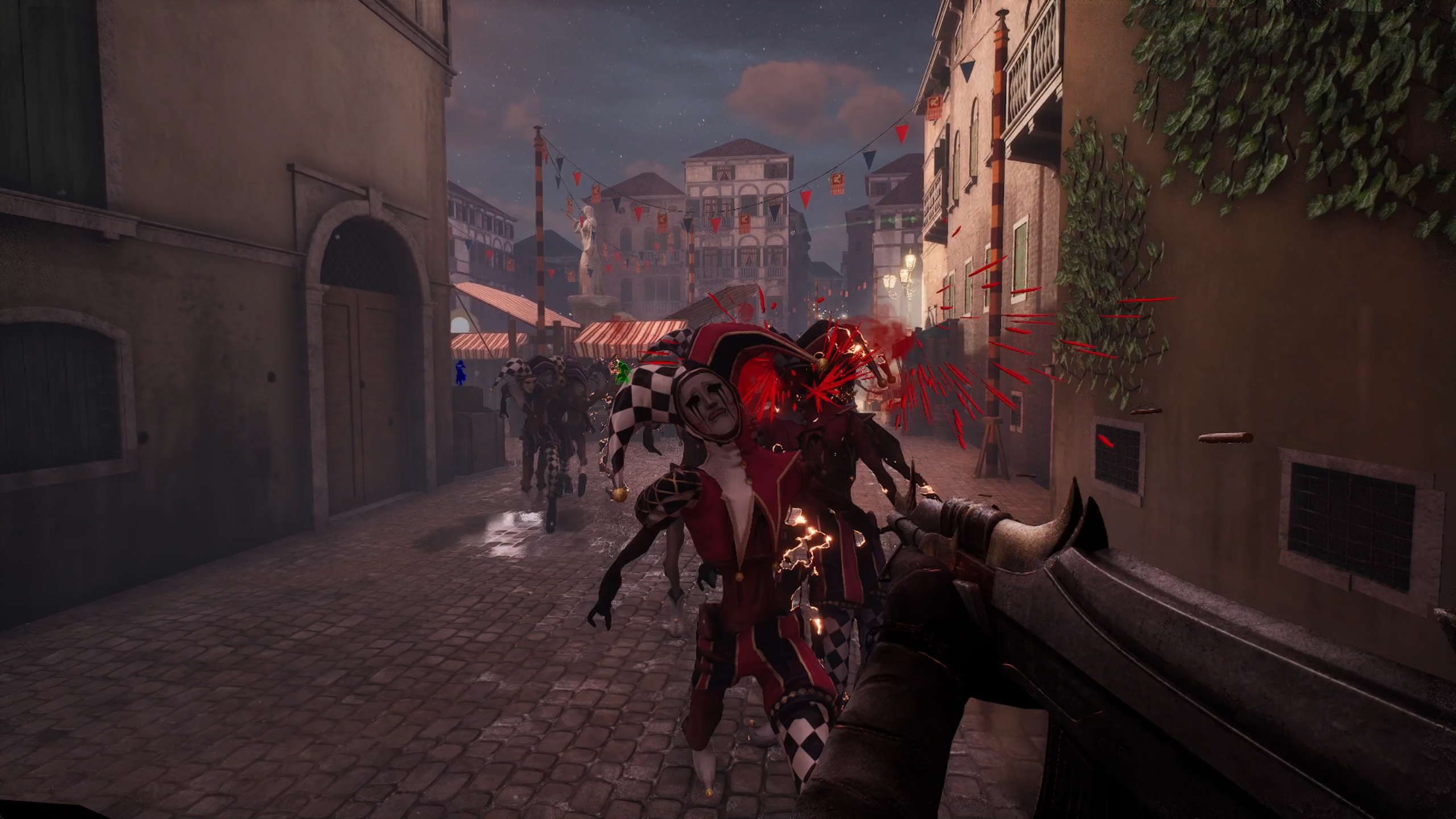
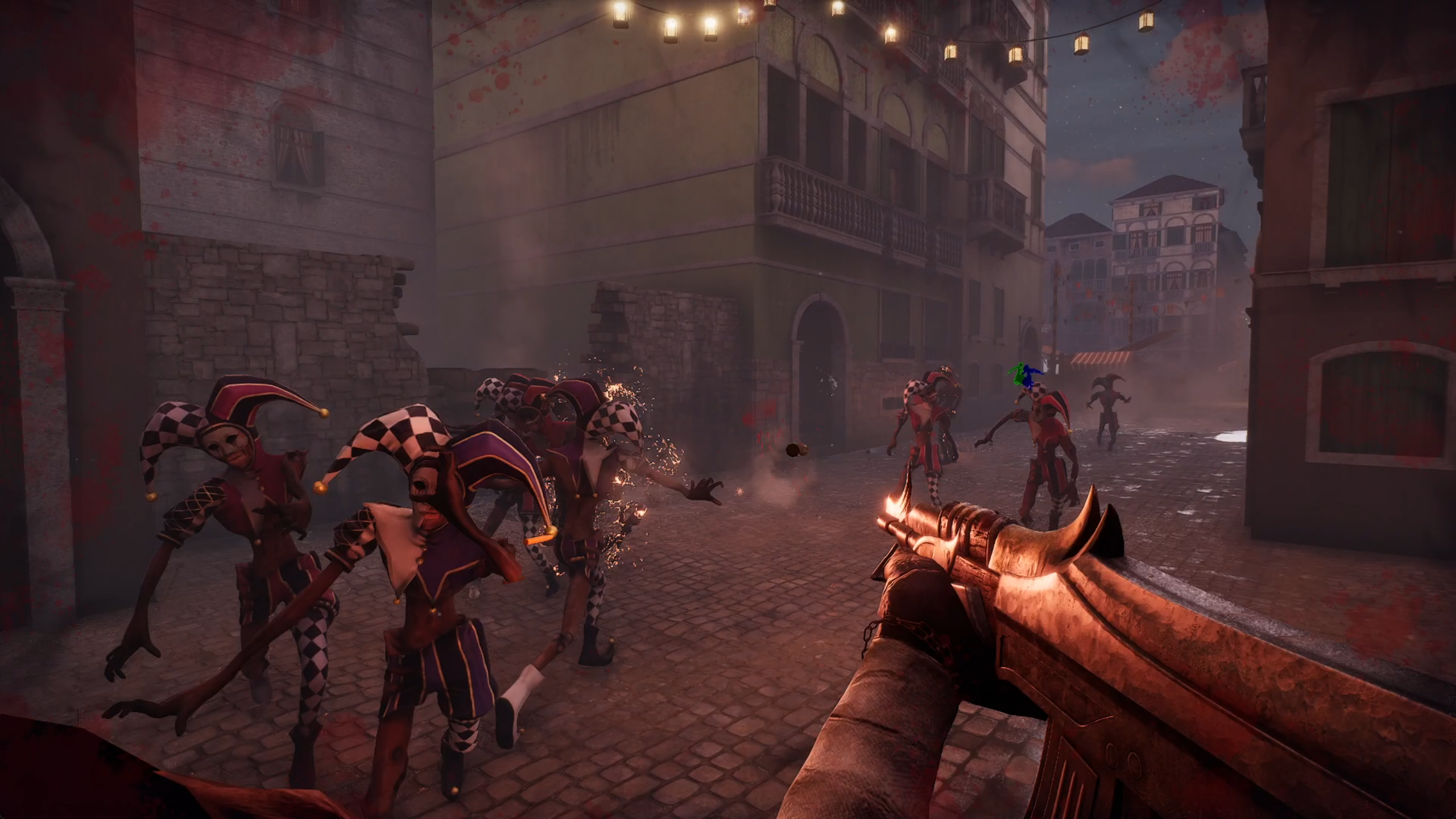
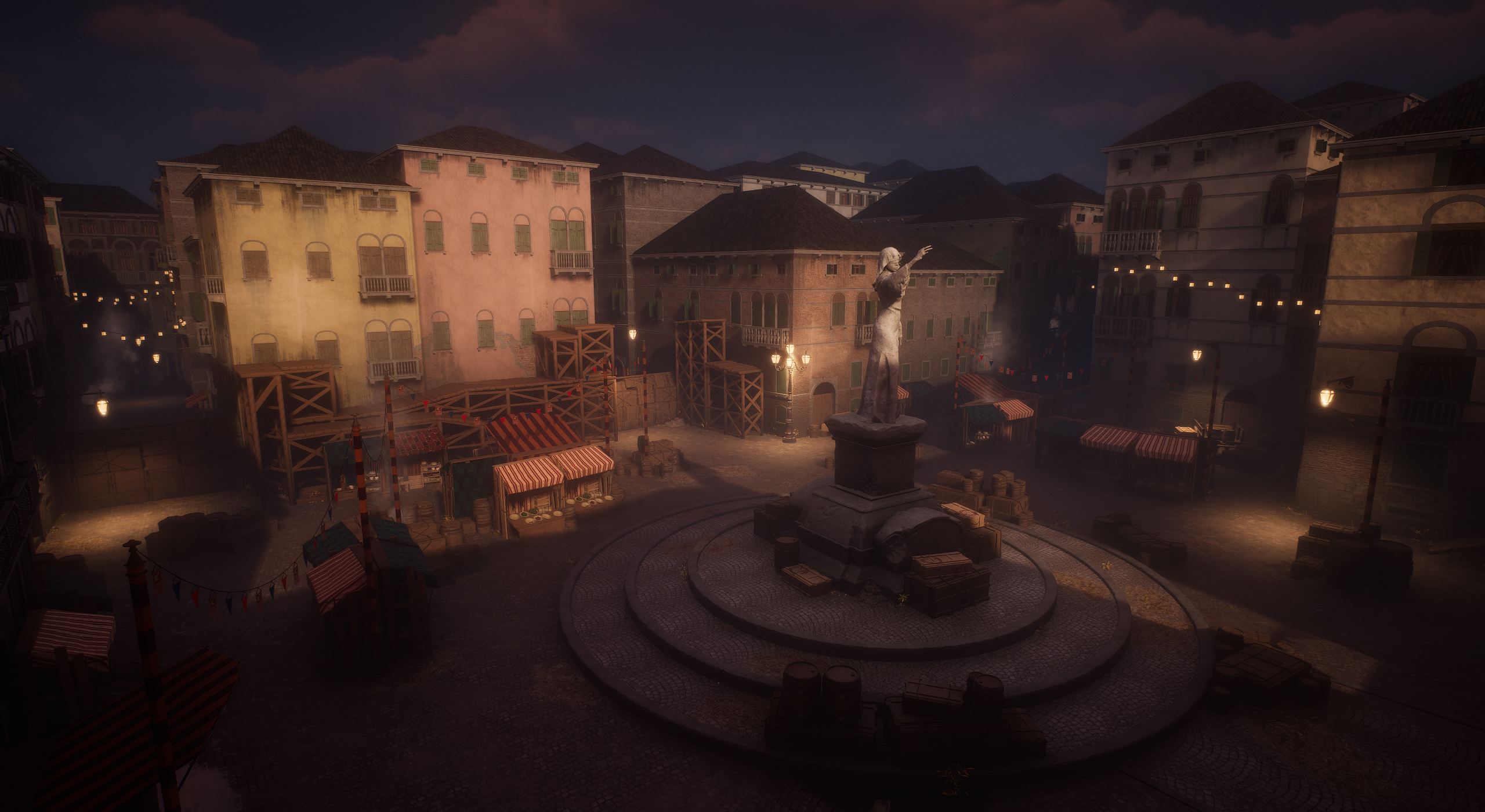

Umbra Mortis is a cooperative online multiplayer first-person shooter developed in Unreal Engine 5.
My Contribution
My key contributions to this year-long project include, but are not limited to, setting up the CI/CD pipeline with Jenkins, managing session hosting and joining, ensuring proper replication of relevant data, implementing the Reconnect System, developing the Gadget System, implementing asynchronous loading screens, and integrating various Steam features such as Stats & Achievements and Steam Lobbies.
Gameplay Abilities and Effects
I utilized Unreal's Gameplay Ability System (GAS) to develop abilities for shooting, reloading, gadget usage, and applying relevant effects (cost, cooldowns, damage). The most significant challenge was ensuring these abilities functioned correctly for all players, both on the server and clients, while maintaining proper synchronization of attributes and player states.
Instead of making separate gameplay effects for each way damage can be dealt (gun and gadget for player, normal attack for enemy), I used gameplay tags to distinguish them and made one effect that applies damage based on the provided gameplay tags. I also used a custom damage calculation class to account for friendly fire.
Multiplayer & Replication
In addition to ensuring proper replication of the Gameplay Ability System (GAS), I was also responsible for making sure that all relevant visual effects (VFX), sound effects (SFX), and animations were correctly synchronized across all players.
Our game is a first-person shooter, which requires a first-person mesh for the local player and a third-person mesh for other players. I was responsible for ensuring that the correct mesh was displayed for each player, with the appropriate weapon properly attached.
Reconnecting
One of the most requested features from our players was being able to rejoin a session in progress if you leave it accidentally or you get disconnected.
To allow this, I had to enable joining sessions in progress which meant that now I had to manually filter which sessions a player can see and is allowed to join. Before that was happening automatically thanks to Steam.
My solution was for the host to store in their game instance an array of the unique net IDs of all connected players when the session starts and based on that when a player tries to join the session either allow it or return them to the main menu with appropriate reason. The host also has a map that is used to see if the player is reconnecting or not because that affects the spawning rules of our game.
When the session starts, the clients store its ID in their game instance, so that they can search for it if they disconnect.
I made a custom filter for showing the list of available sessions. I show only sessions that are not in progress, or the session with that stored ID if it still exists.
The video below shows how one player hosts a session and the other two can find it. Then only one of them joins the session and starts it. When the player that didn’t join tries to join the session, he is returned to the main menu with the message that the session is already in progress or is full. If he searches for the session again, he won’t find it.
The player that joined the session successfully can leave the session at any time, find it, and reconnect at any time, however they will join as dead spectators:
Gadget System
I designed a modular gadget system that enables seamless integration of new gadgets by simply deriving from a base class. The system provides a clear interface for equipping, removing, and using gadgets, ensuring flexibility and ease of expansion.
Async Loading Screen
I implemented the loading screens using the Async Loading Screen Plugin but had to make some adjustments to ensure compatibility with seamless travel.
The Async Loading Screen Plugin works only with hard level loading (OpenLevel) and not with soft level loading (Server Travel / Seamless Travel) which we have to use because otherwise the clients will get disconnected from the session.
To solve this problem, I modified the plugin's source and made new functions for manually starting and stopping the loading screen. I manually start the loading screen before the ServerTravel begins and stop it when the new level finishes loading.
By doing so, we can see the loading screen when playing in PIE mode too and not only in Standalone.
Jenkins Pipelines
Daily builds pipeline: I made a Jenkins pipeline that makes daily Development and Shipping builds of the project and uploads them to Steam in their corresponding branches so that we can easily test the game and get notified if the build failed.
Build from a shelved changelist pipeline: When we started working on multiplayer features, I noticed that some features could only be tested with multiple people which meant that we had to make a build and upload it on Steam to test. However, we couldn't do so using the above pipeline, because we don't want to submit untested features to Perforce.
For that reason, I made a new pipeline that accepts the ID of a shelved changelist. It gets the latest revision from the depot, unshelves that changelist, makes a build, and uploads it to Steam.
April Fools pipeline: I made a pipeline for 1st of April that sent a message to the team that the build failed and another message 10 minutes later that said it was a joke. It will trigger every year.
Pipeline for removing the exclusive checkout flag from .uasset files: I made a pipeline that runs a powershell script that goes through the files in the project and removes the exclusive checkout flag from the files that have it.
This was necessary because that flag was slowing down our review process.